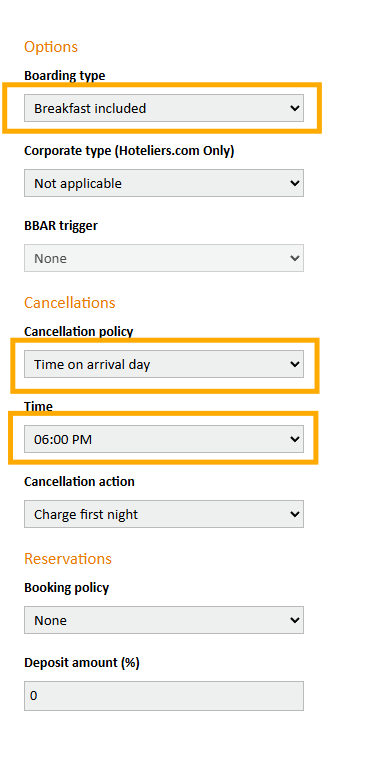
For updating the cancellation policy for different periods in the Reconline portal, navigate to the rates & availability tab. Click on fast entry and select the period that you would like to change the cancellation policy for.
Please be advised that if you agreed on a specific cancellation policy per contract, you cannot just change this policy.
If you require the Smart channel manager to send a cancellation policy to Reconline, you can set this up via the rates tab in https://extranet.smarthotel.nl/ note: this cannot be amended for a specific period.
Go to rates, click on the rate you would like to update and fill out the cancellation policy. Please be advised that the boarding type can also be set here and sent to Reconline. When adding a rate in Reconline, usually we set this on rate level. Note: not all OTA's accept from the channel manager to send this data. If you have questions about this, please contact our support team via support@smarthotel.nl